USB 3.2 Gen 2x2 Is Not a Promise: The Real Reasons Your External SSD Is Underperforming
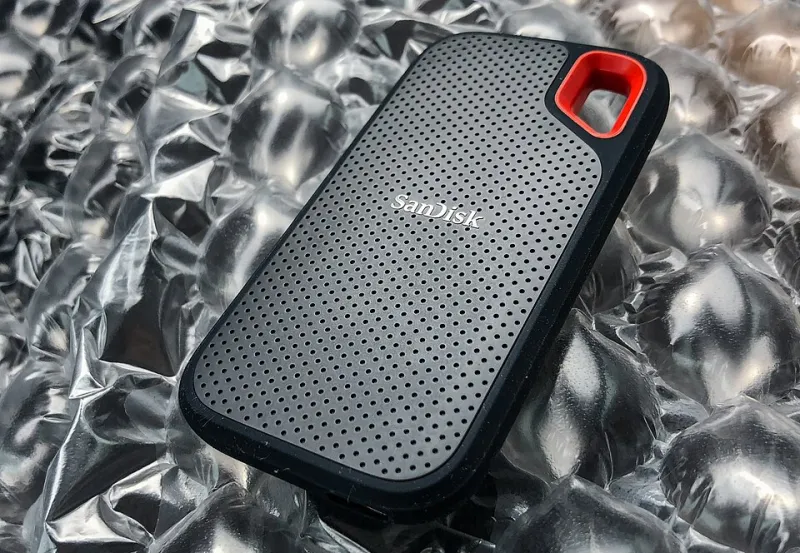
Photo: Tony Webster from Minneapolis, Minnesota, United States, CC BY 2.0, via Wikimedia Commons
The number on the box reads 20Gbps. The sequential read specification on the product page says 2,000 MB/s. You plug the drive into your laptop's USB-C port, initiate a large file transfer, and watch the speed settle somewhere between 400 and 700 MB/s. The drive is not defective. The cable is the one that came in the box. Something else is happening — and the answer involves at least three distinct hardware layers that manufacturers have no particular incentive to discuss clearly in their marketing materials.
The Interface Spec Is a Ceiling, Not a Guarantee
USB 3.2 Gen 2x2 specifies a theoretical maximum bandwidth of 20 gigabits per second by bonding two 10Gbps channels. That ceiling is real, but reaching it requires every component in the signal chain to support the specification simultaneously: the host controller in your computer, the cable connecting the drive, the bridge chip inside the enclosure, and the NAND flash and controller inside the drive itself. Failure at any single point cascades into a system-wide performance reduction, and the weakest link determines the outcome.
This is not a peripheral concern. Independent testing by storage analysts at publications including Tom's Hardware and AnandTech has repeatedly demonstrated that external SSDs using USB 3.2 Gen 2x2 enclosures frequently operate at effective throughputs closer to USB 3.2 Gen 2 (10Gbps) speeds, not because the drives are misrepresenting their interface, but because the host system does not have a Gen 2x2 controller, or the cable bundled with the drive cannot sustain the necessary signal integrity at full bandwidth.
The NAND Controller Problem
Inside the enclosure, the external SSD contains a bridge chip that translates between the USB interface and the NAND storage. The quality and architecture of this bridge chip — and the NAND controller paired with it — determines sustained performance under continuous load far more than the rated interface speed.
Many budget and mid-range external SSDs use DRAM-less NAND designs. Without dedicated DRAM cache, the drive relies on a portion of the NAND itself as a pseudo-SLC cache buffer. During small to moderate transfers, performance appears strong. Once the SLC cache is exhausted — which can happen in under 30 seconds with large file transfers — the drive falls back to writing directly to TLC or QLC NAND at its native write speed, which may be 200 to 400 MB/s on a drive rated at 2,000 MB/s for sequential operations. Manufacturers are not required to disclose where this cliff exists, and most do not.
The bridge chip matters independently. ASMedia, JMicron, and Realtek each produce USB-to-NVMe bridge controllers with meaningfully different performance profiles. The ASMedia ASM2364, for example, has demonstrated better sustained throughput in thermal testing than several competing solutions. This information is rarely surfaced in product listings, but it is frequently identifiable in detailed third-party teardowns.
Thermal Throttling and Enclosure Design
External SSDs generate heat. When operating temperatures exceed the thermal limits of the NAND or controller, the drive will reduce its operating frequency to protect hardware integrity — a process called thermal throttling. In a well-designed enclosure with adequate thermal mass or passive dissipation, throttling may never occur during normal use. In a thin aluminum shell with no thermal pad connecting the NAND to the enclosure wall, throttling can begin within minutes of sustained read or write activity.
Buyers moving large video project files — a common use case among creative professionals — are precisely the users most likely to trigger thermal throttling. A transfer that begins at 900 MB/s may drop to 300 MB/s eight minutes later, not because of anything the user did, but because the enclosure cannot manage the heat generated by continuous operation. Testing an external SSD only with a small benchmark file and reporting the peak speed is a methodology that actively conceals this behavior.
Cable Quality and Signal Integrity
USB 3.2 Gen 2x2 at 20Gbps is sensitive to cable quality in ways that lower-speed USB standards are not. The specification requires cables to maintain signal integrity at high frequencies across the full bandwidth of both bonded channels. Passive cables longer than roughly 1 meter frequently cannot sustain this, and many cables sold as "USB 3.2 Gen 2" are certified only for 10Gbps operation, not 20Gbps.
The cable included with an external SSD is not always the cable needed to achieve the drive's rated speed. Manufacturers are not universally transparent about this. A cable that ships in the box and works without error messages may still be limiting throughput to half the interface's theoretical maximum. Buyers who want to verify this should test with a known-good, certified 20Gbps cable from a reputable source — Anker, Cable Matters, and Plugable each offer options with clear specification documentation.
A Testing Methodology for Serious Buyers
Before committing to an external SSD purchase, the following evaluation process provides substantially more useful information than manufacturer specifications.
Confirm host controller support. Use a system information utility — HWiNFO64 on Windows, or System Information on macOS — to verify that your computer's USB controller actually supports USB 3.2 Gen 2x2. Many current laptops, including several popular thin-and-light configurations, do not.
Run sustained transfer tests, not burst benchmarks. CrystalDiskMark and AS SSD are useful for peak performance measurement, but they do not simulate real-world sustained workloads. Transfer a 50GB or larger file and monitor speed throughout the transfer using a tool like TeraCopy, which logs transfer rate over time. The speed curve is more informative than the peak number.
Monitor temperature during testing. CrystalDiskInfo can display drive temperature via S.M.A.R.T. data on most external SSDs. If temperatures exceed 70°C during a sustained transfer, the drive is likely throttling or approaching the threshold at which it will.
Test with multiple cables. If you have access to a certified 20Gbps cable, compare results against the included cable. A meaningful performance gap between cables confirms that the bundled cable is the bottleneck, not the drive.
What the Spec Sheet Owes You
The USB 3.2 Gen 2x2 designation on a product page describes an interface standard, not a performance guarantee. Buyers who treat it as the latter are accepting a marketing shorthand in place of engineering reality. The drives that deliver on their advertised throughput under real-world conditions exist — they tend to come from manufacturers with transparent DRAM disclosure, published sustained write speed data, and enclosures with documented thermal management. Finding them requires looking past the headline number, but the performance difference justifies the research.